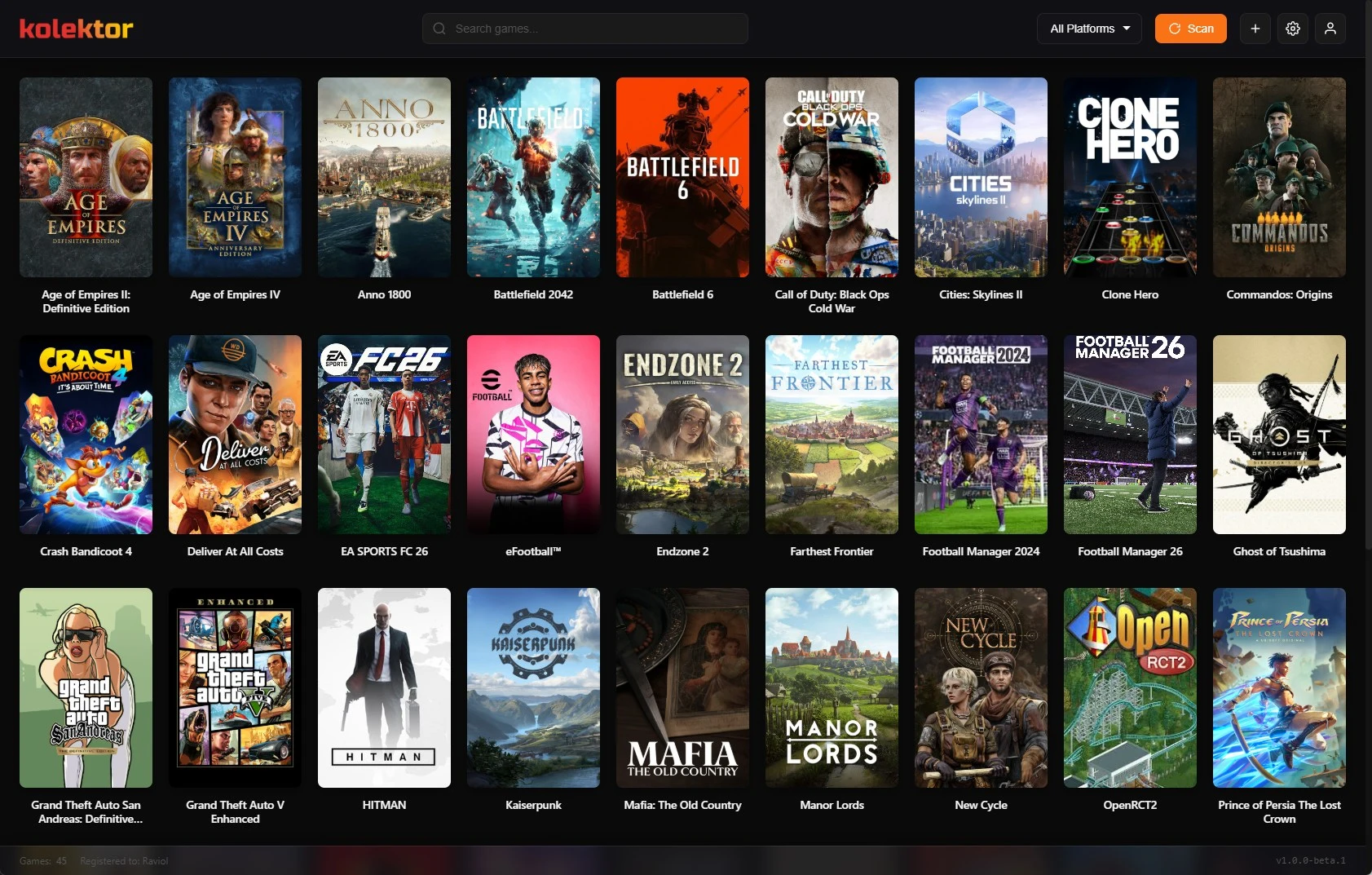
Use Kolektor With Your Existing Game Stores
Keep Steam, Epic, GOG, Xbox, EA, Ubisoft, Battle.net, and Amazon for store tasks while Kolektor gives installed games one library.
Read guidePractical guides for players who want one cleaner way to organize and launch PC games across Steam, Epic, GOG, Xbox, and more.
Keep Steam, Epic, GOG, Xbox, EA, Ubisoft, Battle.net, and Amazon for store tasks while Kolektor gives installed games one library.
Read guide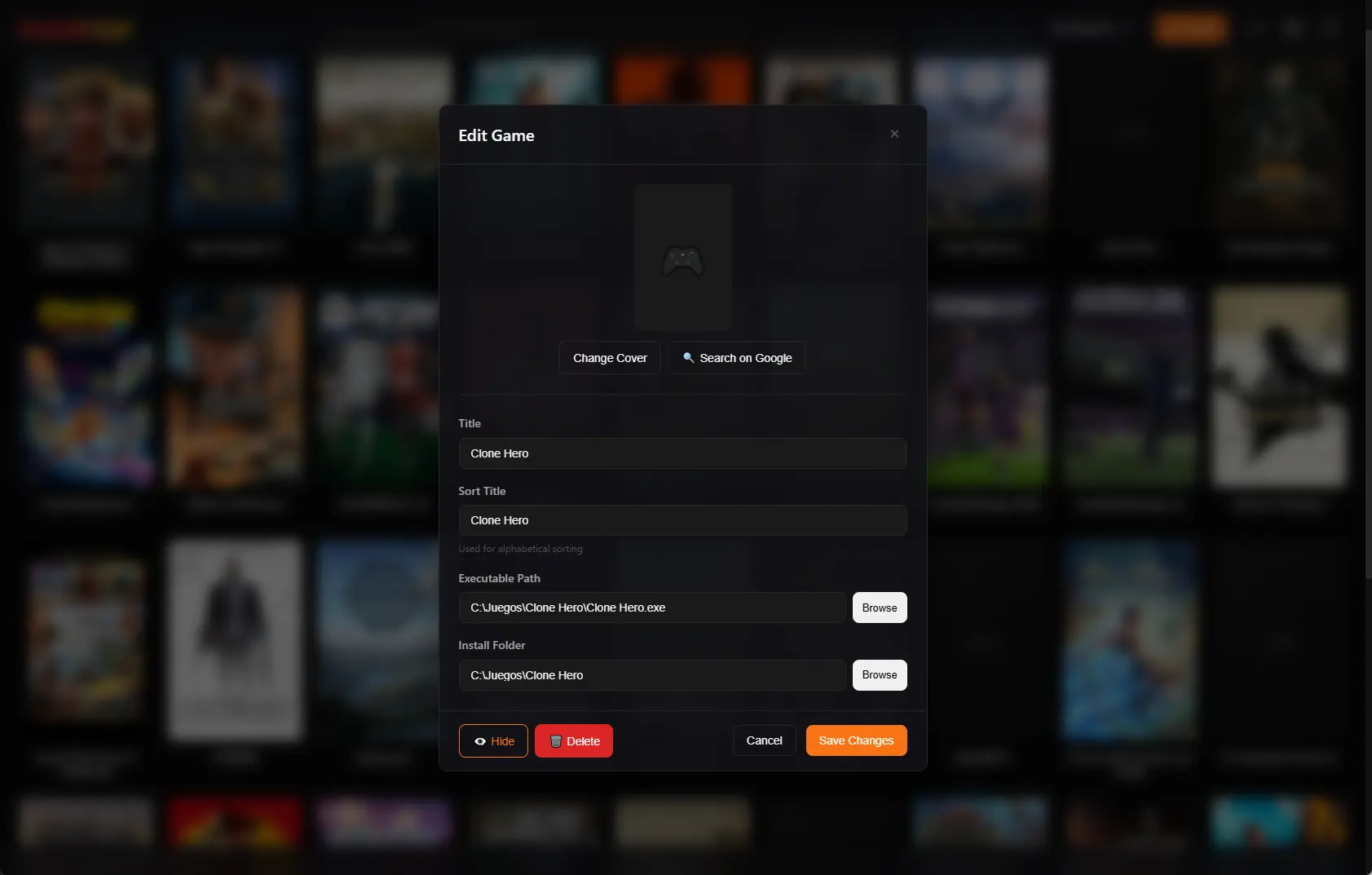
Use Kolektor's Sort Title field, A to Z control, search, and platform filters to keep a large Windows game library easier to browse.
Read guide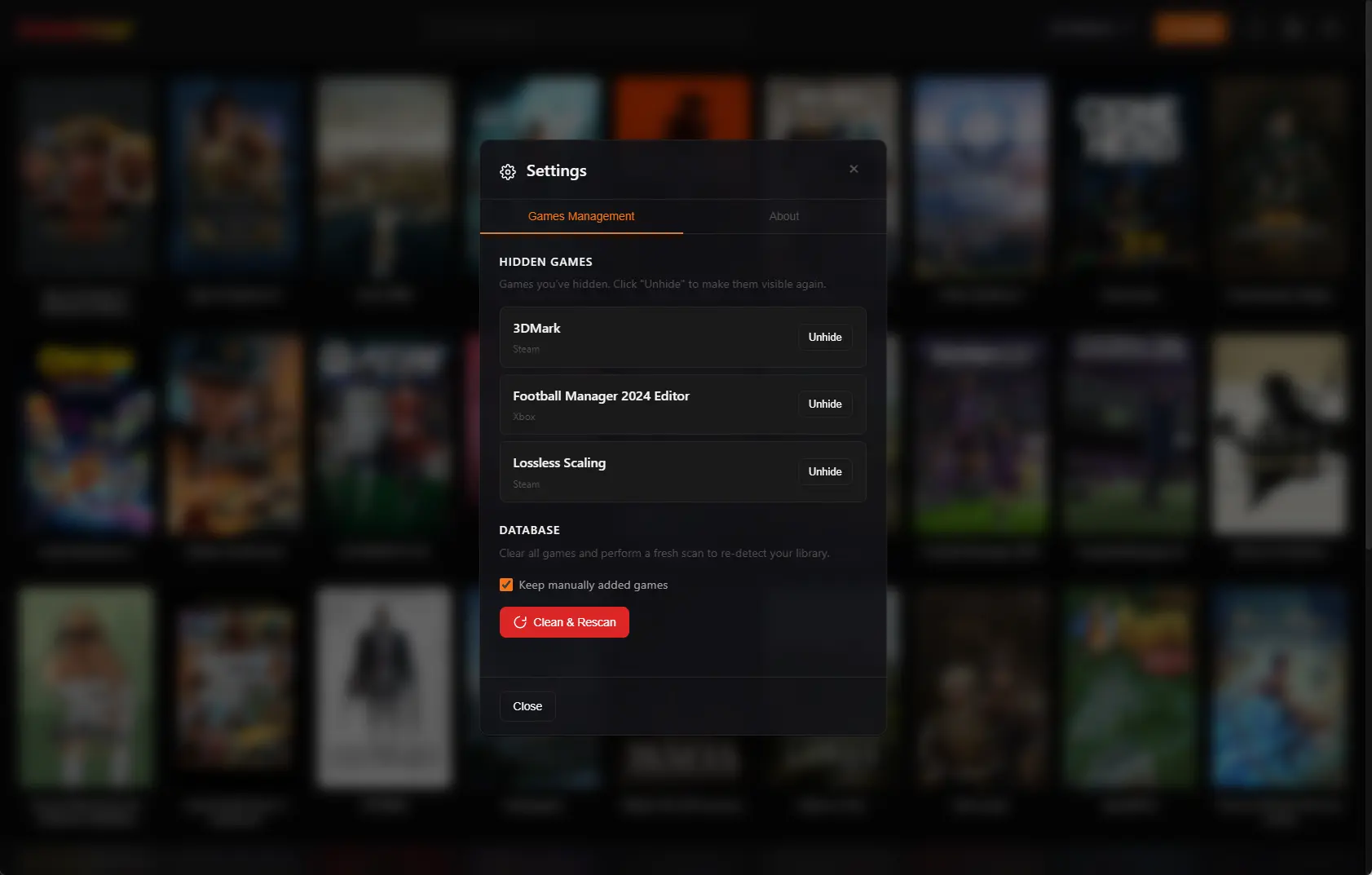
Use Kolektor to hide noisy installed games from the visible library, keep them out of scans, and restore them later from Settings.
Read guide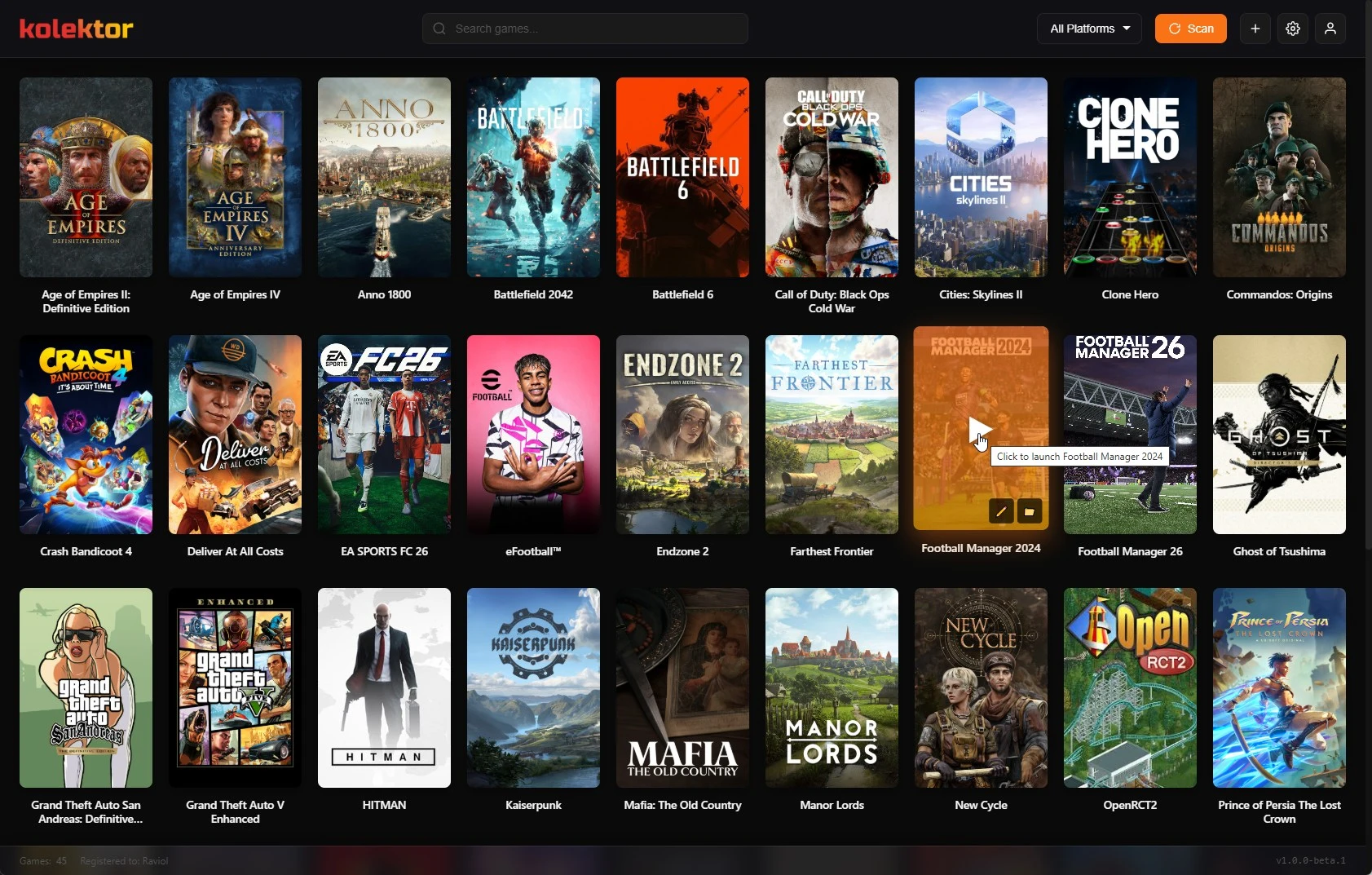
Use Kolektor to replace scattered Windows game shortcuts with one installed-game library for scanning, manual add, search, and launch.
Read guide Keep the Kolektor Windows app current with the built-in update prompt, manual update checks, release notes, and the correct fallback path.
Read guide Use Kolektor startup scans and metadata refresh to keep installed Windows games, covers, and details aligned with your PC library.
Read guide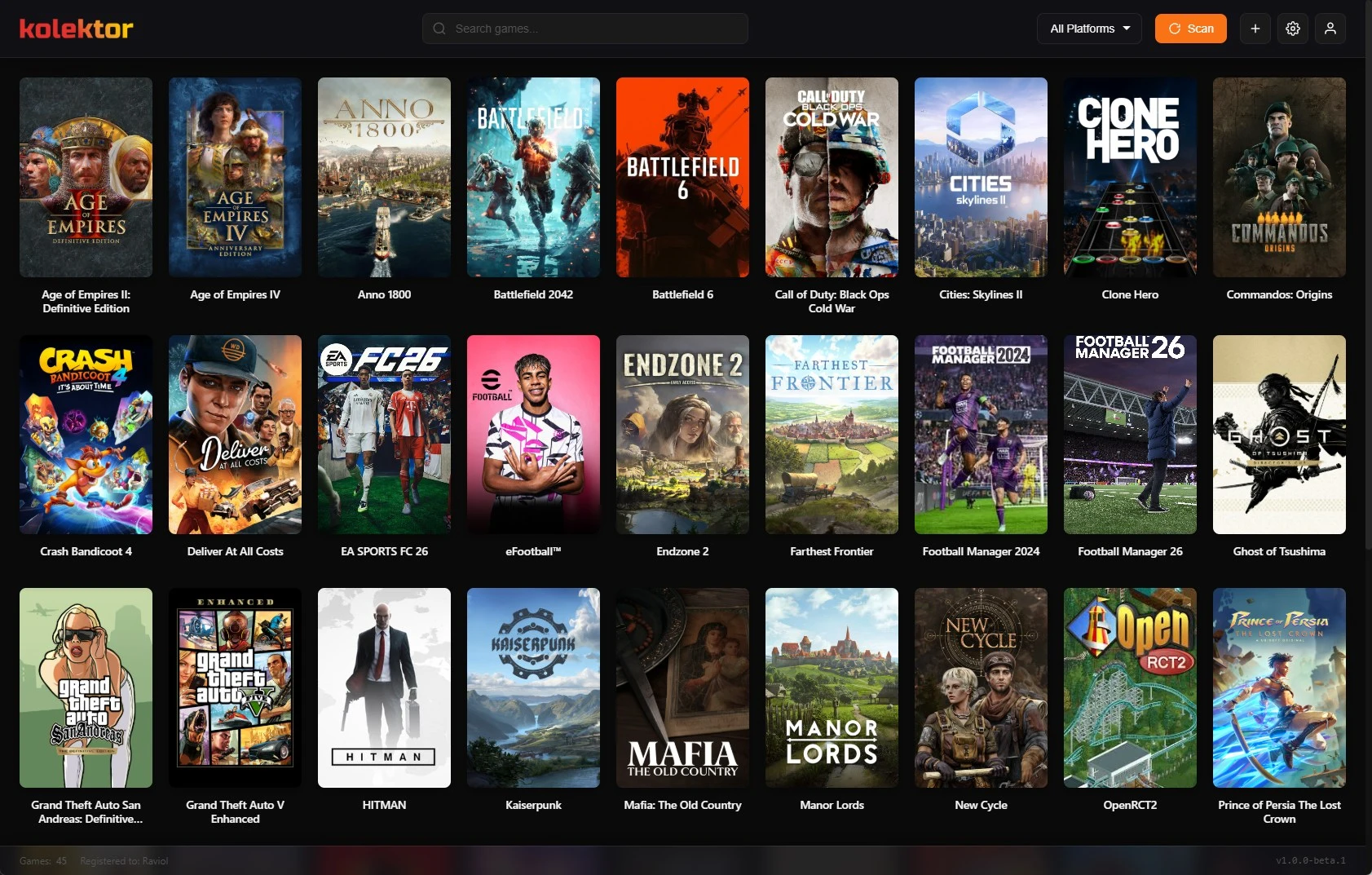
Use Kolektor to organize installed GOG games on Windows with automatic scanning, search, metadata, launch controls, and one library.
Read guide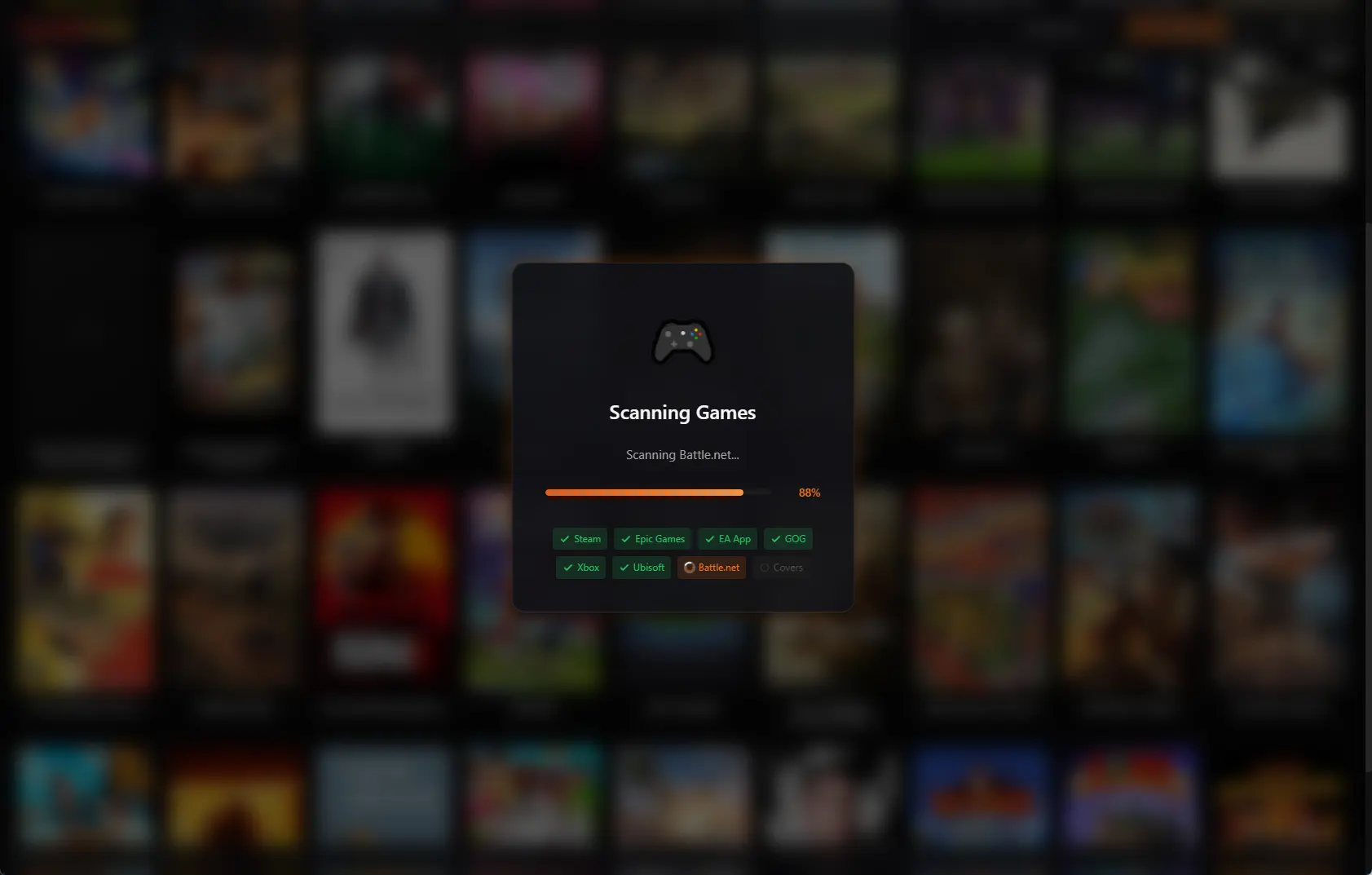
Use Kolektor to organize installed Epic Games Store titles on Windows with automatic scanning, search, metadata, and launch controls.
Read guide Use Kolektor to rematch, unmatch, or block incorrect IGDB metadata so covers, descriptions, screenshots, trailers, and game details stay accurate.
Read guide Use Kolektor's Game Details panel to inspect covers, source, metadata, screenshots, trailers, launch actions, and cleanup options before you play.
Read guide Use Kolektor to organize installed Steam games on Windows with automatic scanning, covers, search, launch preferences, and cleanup tools.
Read guide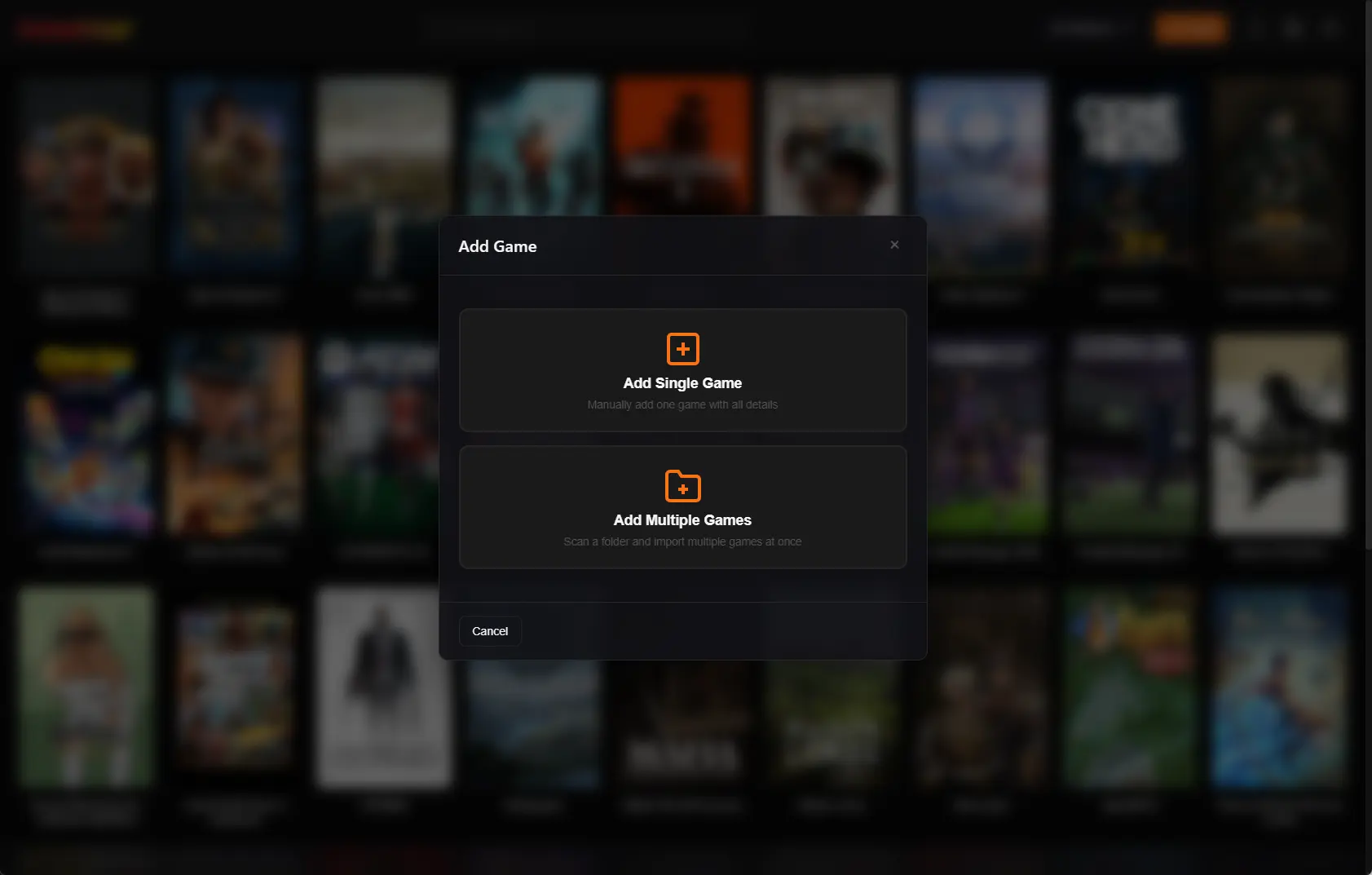
Use Kolektor Premium's Add Multiple Games flow to scan a Windows folder, review detected executables, skip duplicates, and import local games into one library.
Read guide Use Kolektor Settings to restore hidden games, keep manual entries, and run Clean & Rescan when your Windows library changes.
Read guide Use Kolektor search and platform filters to find installed PC games by title, developer, genre, or platform from one Windows library.
Read guide Use Kolektor's Edit Game screen to fix titles, sort order, covers, launch paths, install folders, and IGDB matches in your PC library.
Read guide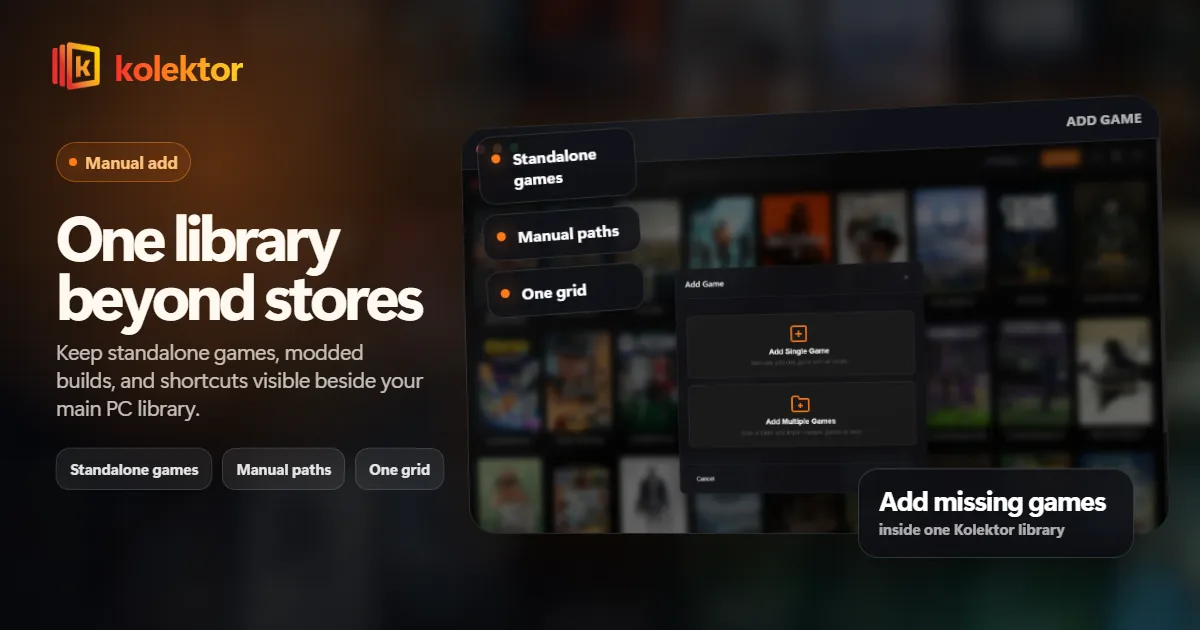
Use Kolektor to keep standalone PC games, store games, and manually added titles in one Windows library without losing where each game belongs.
Read guide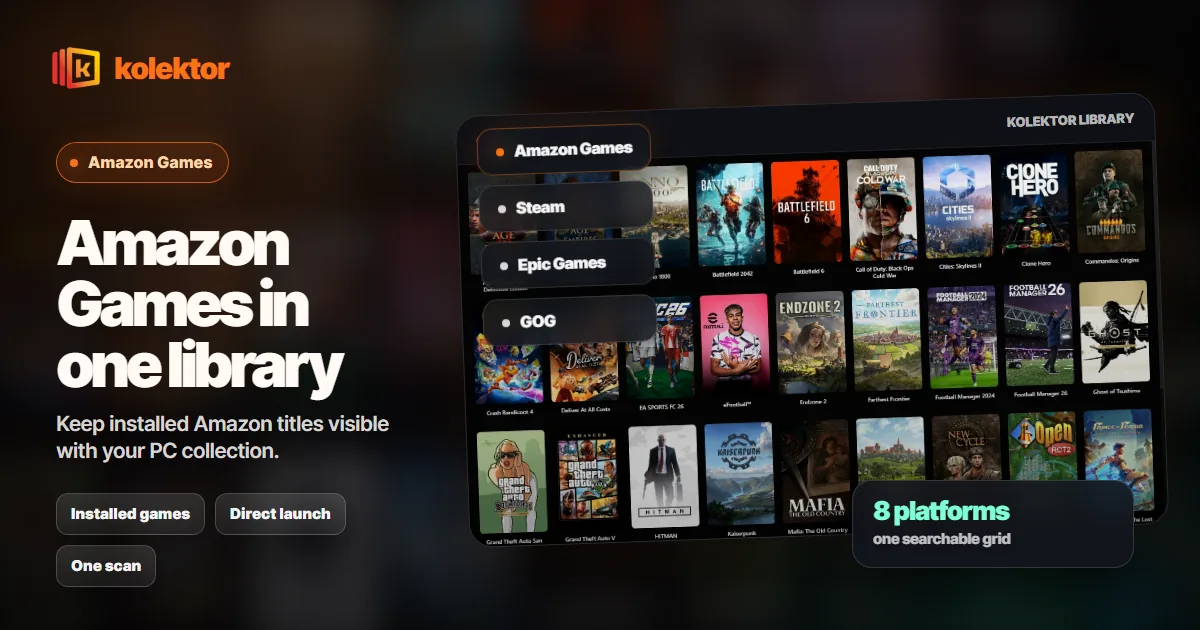
Amazon Games installs can be easy to forget. Kolektor keeps installed Amazon Games visible beside Steam, Epic, GOG, Xbox, and more.
Read guide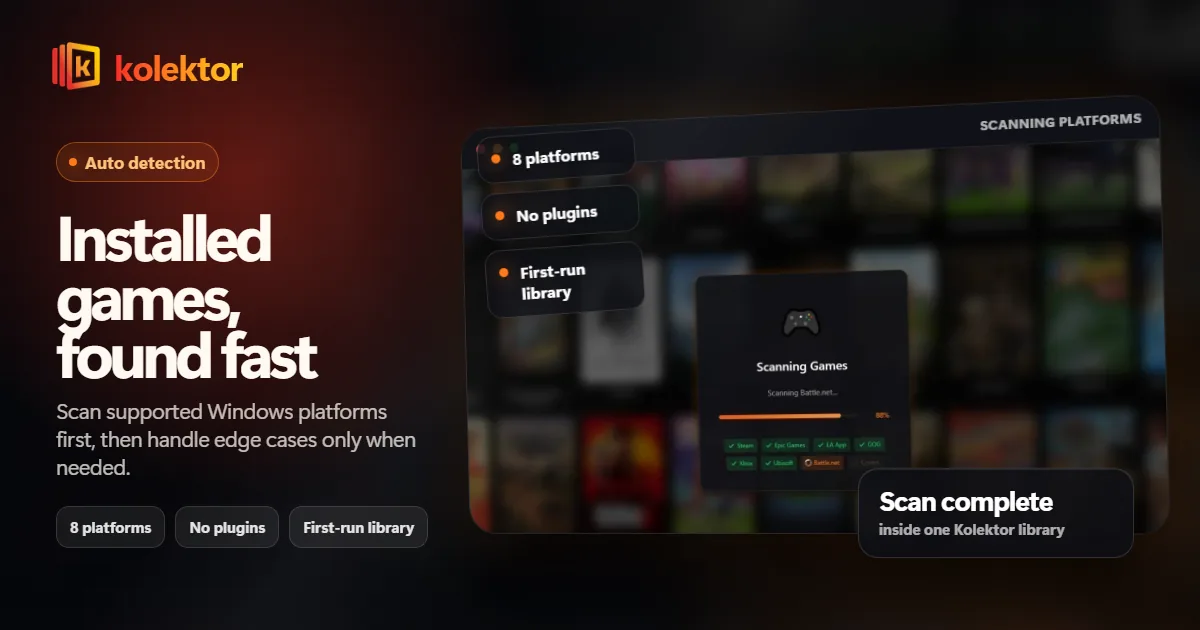
A Windows game launcher should find installed games without a setup project. Learn what automatic detection means and how Kolektor handles it.
Read guide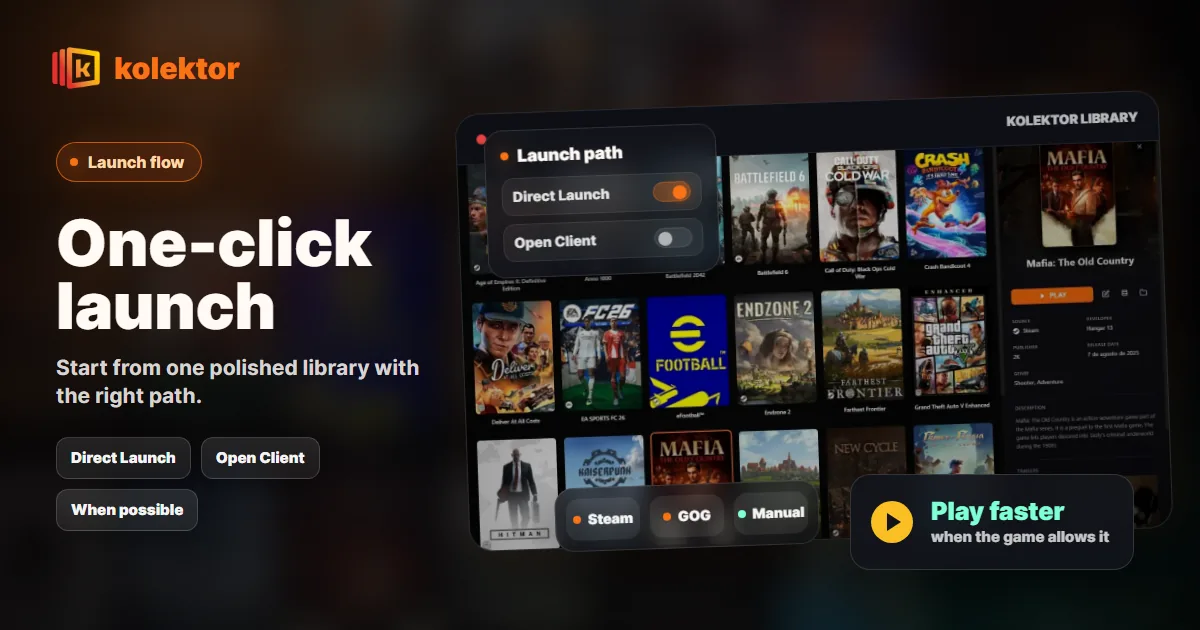
Use Kolektor to launch installed PC games from one Windows library, choose Direct Launch where supported, and understand when a store launcher is still required.
Read guide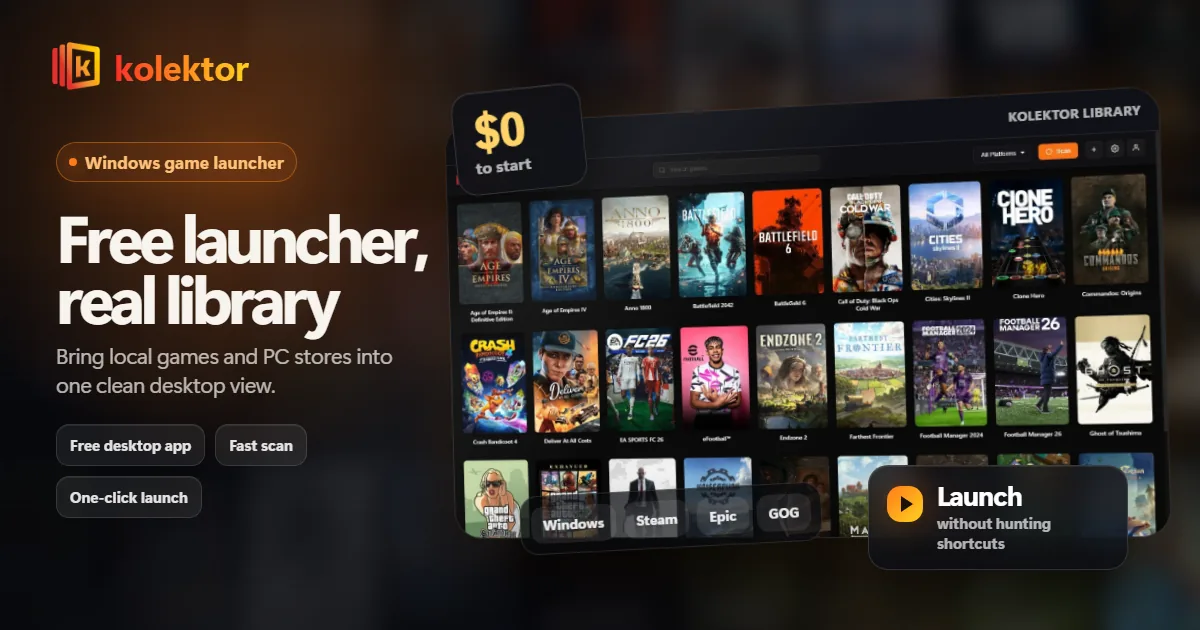
Download Kolektor free for Windows and bring installed games from Steam, Epic, GOG, Xbox, Battle.net, Amazon, Ubisoft, and EA into one launcher.
Read guide Use Kolektor as a Windows game collection manager for installed PC libraries today, with digital and physical collection tools on the roadmap.
Read guide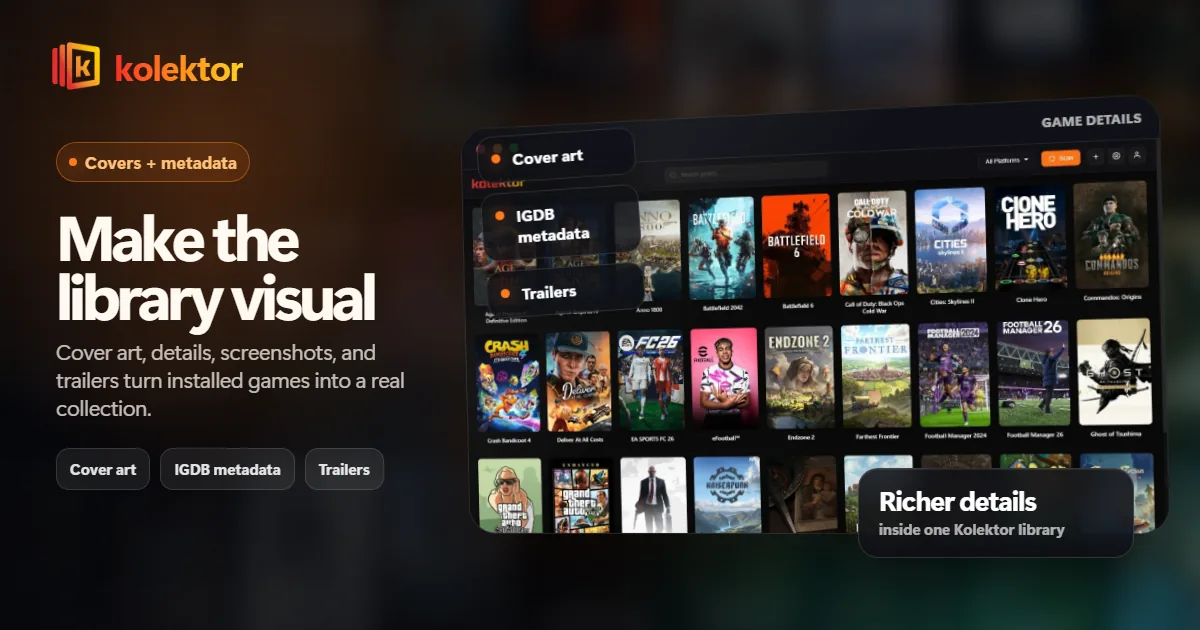
Cover art, game details, screenshots, and trailers make a PC game library easier to browse. See how Kolektor turns installed games into a visual collection.
Read guide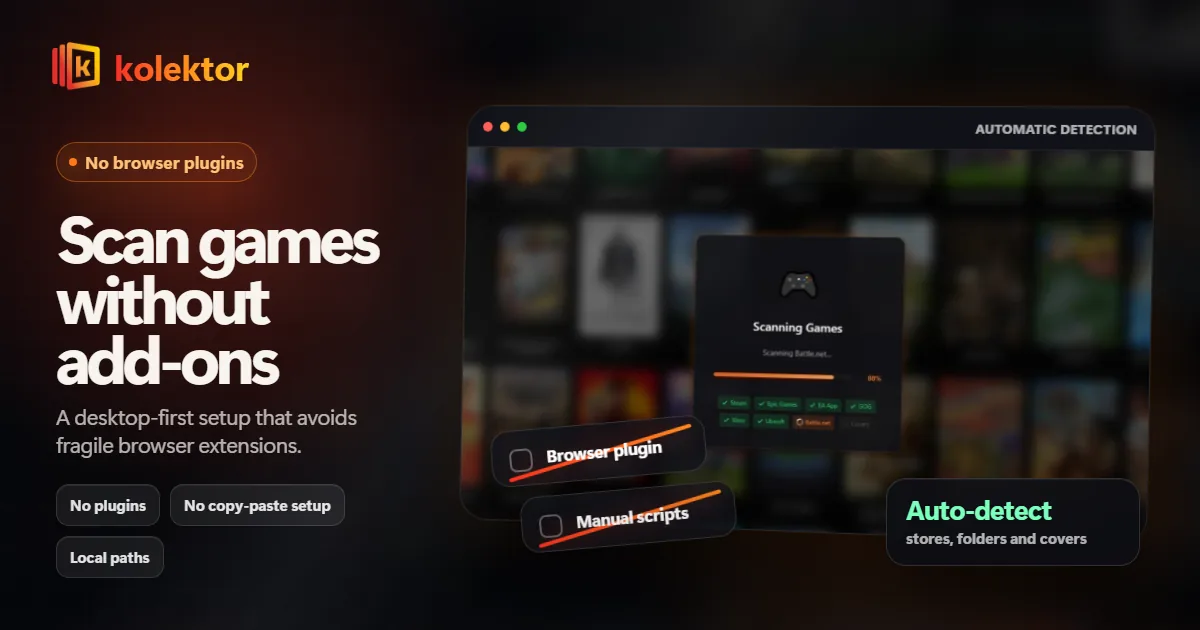
A no-plugin game launcher keeps setup simple. Kolektor detects major PC platforms directly so your installed games appear with less maintenance.
Read guide Install Kolektor on Windows, understand the SmartScreen warning, and see what happens when the launcher scans your installed PC games.
Read guide Launch installed PC games from one Windows library with Kolektor. See how one-click launch works, when store clients still matter, and what to expect.
Read guide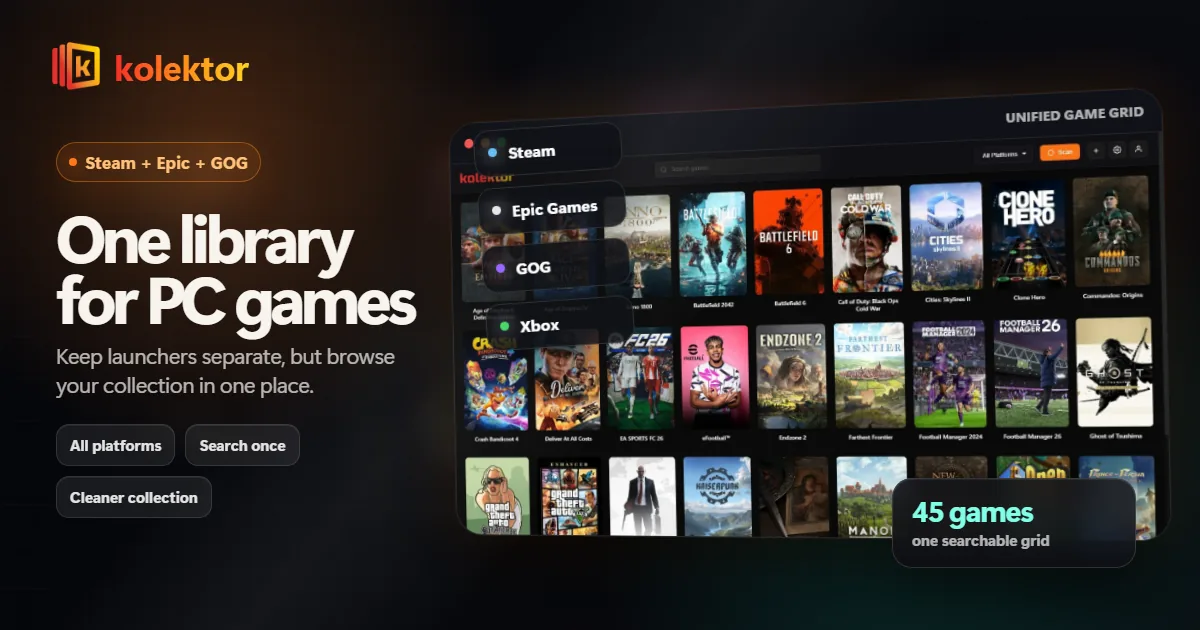
Steam, Epic, and GOG libraries get messy fast. Kolektor gives Windows players one place to browse and launch installed PC games.
Read guide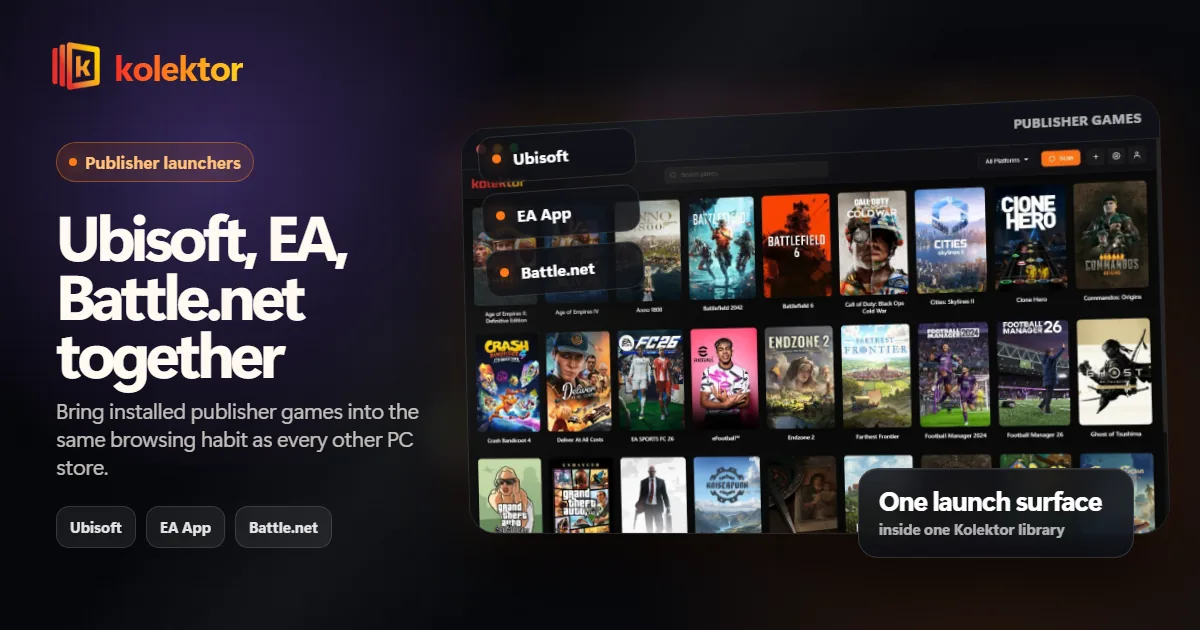
Publisher launchers can split your PC library into smaller shelves. Kolektor keeps installed Ubisoft, EA, and Battle.net games visible with everything else.
Read guide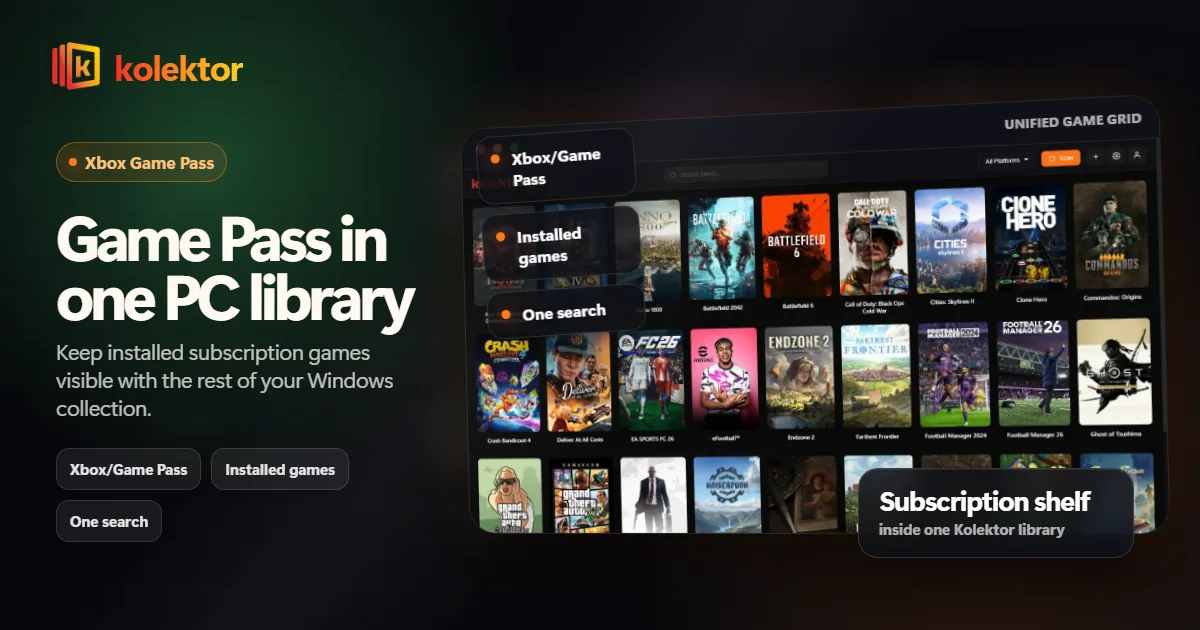
Xbox Game Pass on PC is useful, but installed games can disappear into another launcher. Kolektor keeps Game Pass games visible with the rest of your PC library.
Read guide