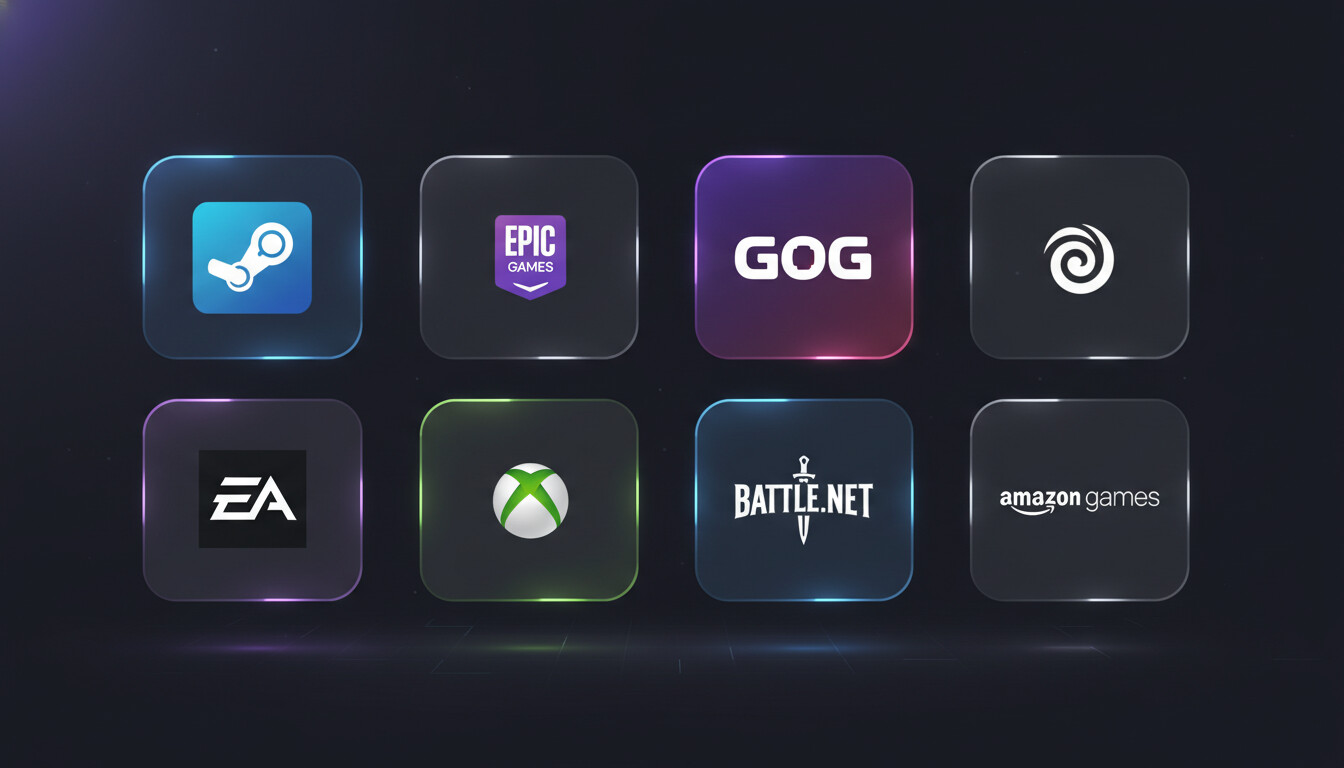
Managing games across 8 different launchers is exhausting. Here's every platform Kolektor supports and why having them unified matters.
The 8 Supported Platforms
1. Steam
The biggest PC gaming platform with the largest library. Steam games are detected via registry entries and library folders.
Auto-detected: ✅ All installed games
2. Epic Games Store
Home to exclusives and the famous free game giveaways. If you’ve been claiming weekly free games, you probably have dozens here.
Auto-detected: ✅ All installed games
3. GOG Galaxy
DRM-free gaming at its finest. GOG games are owned, not licensed — and Kolektor finds them all.
Auto-detected: ✅ All installed games
4. Ubisoft Connect
Ubisoft’s platform for Assassin’s Creed, Far Cry, Rainbow Six, and more. Often required even for Steam purchases.
Auto-detected: ✅ All installed games
5. EA App
The successor to Origin, home to FIFA, Battlefield, The Sims, and EA Play titles.
Auto-detected: ✅ All installed games
6. Xbox / Game Pass
Microsoft’s platform including Game Pass library and Xbox Play Anywhere titles.
Auto-detected: ✅ All installed games
7. Battle.net
Blizzard’s home: World of Warcraft, Overwatch, Diablo, Call of Duty, and more.
Auto-detected: ✅ All installed games
8. Amazon Games
Prime Gaming titles and Amazon’s growing game library. The newest addition to Kolektor!
Auto-detected: ✅ All installed games
Why Unified Matters
| Problem | With 8 Launchers | With Kolektor |
|---|---|---|
| Finding a game | Open each app, check | One search |
| Remembering where | Mental effort | Just click |
| Desktop clutter | 8 shortcuts | 1 app |
| Updates checking | 8 apps | 1 view |
The Experience
- Install Kolektor
- Wait 30 seconds for scan
- See every game from all 8 platforms
- Click any game to play
No plugins. No configuration. No maintenance.